
Description
The Tamper Detection feature lets you create policy sets that control how signature compliance tools apply across your organization. Each policy set contains policies and applies to defined senders and recipients in order.
Use rules to apply policy sets to everyone or specific senders and groups, exclude users or groups, and target internal, external, or both recipient types.
How to access it
To access Tamper Detection:
-
From the menu sidebar, select Tamper Detection.
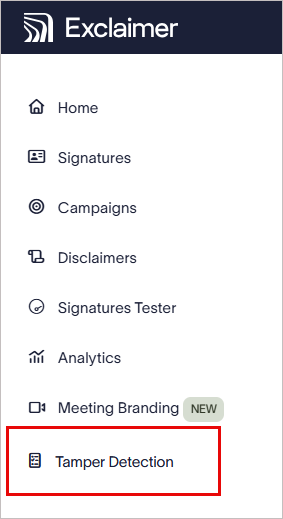
From the menu sidebar, select Tamper Detection.
This opens the Tamper Detection screen, which lists your policy sets in the order they are evaluated.
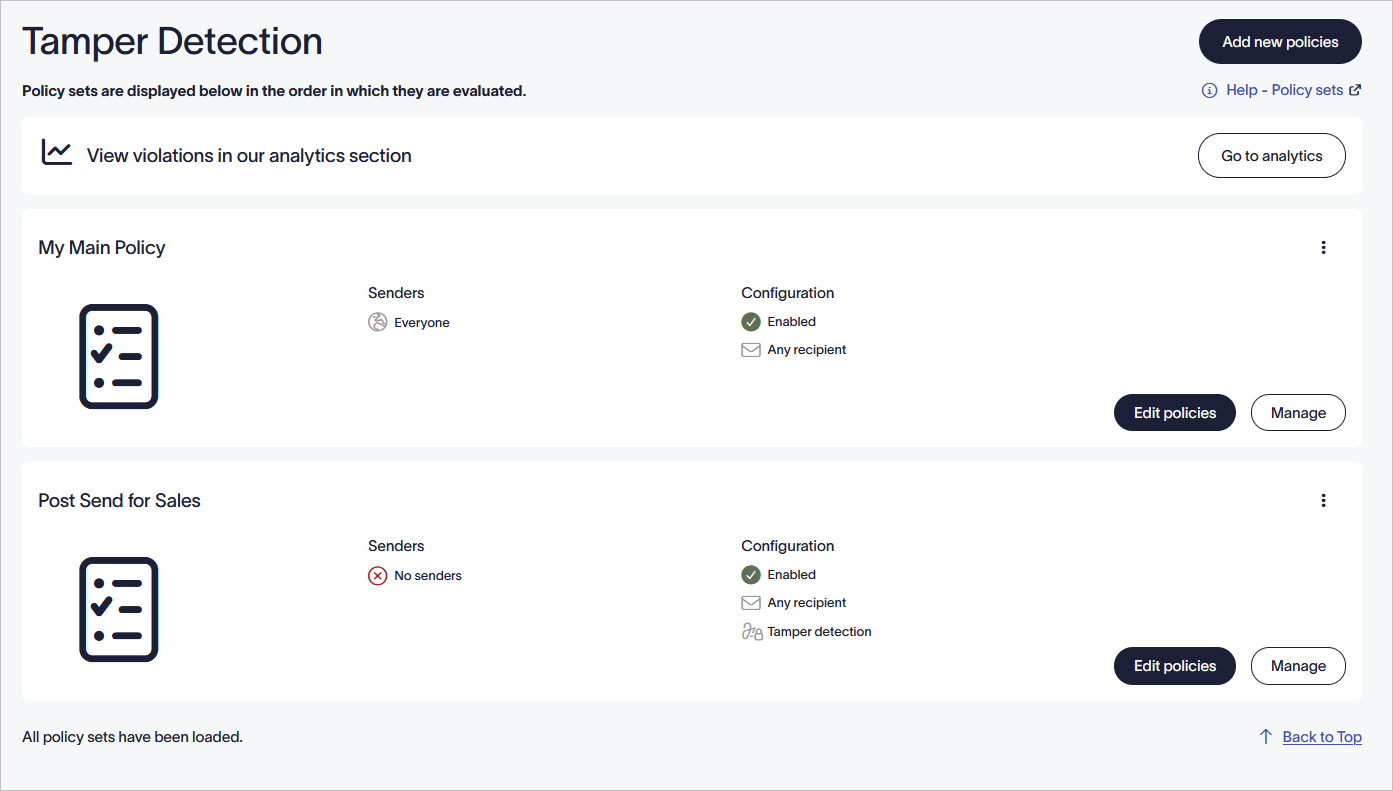
The Tamper Detection screen.
Understanding the Tamper Detection page
| Column | Description |
|---|---|
| Name | The name you gave the policy set. |
| Senders | The senders the policy set currently applies to, such as Everyone or No senders. |
| Configuration | A summary of the policy set's settings, including whether it's enabled, Tamper Detection status, recipient scope, and whether exceptions apply. |
Select Add new policies to create a new policy set.
Select Edit policies to change a policy set's Tamper Detection settings.
Select Manage to update its senders, exceptions, and recipients.
Select Go to analytics to review violations recorded against the policy sets.