
Scenario
You are ready to create a new signature, and instead of starting from a template or a blank canvas, you want to recreate an existing email signature by uploading an image of it.
Resolution
Exclaimer can use AI to convert an image of an existing signature into an editable signature template. This feature is currently available to selected customers. If you do not see the Convert Image to Signature option, it may not yet be enabled for your organization.
To use a pre-defined template, see how to create a signature using a pre-defined Exclaimer template. To start from a blank canvas, see how to create a signature without using any pre-defined Exclaimer template.
• The image you upload is sent to a third-party AI provider for processing.
• The uploaded image is deleted after processing and is not stored.
• The image and associated data are not used to train third-party models or internal AI models.
For more information, see Exclaimer Trust Center, under Artificial Intelligence.
To create a signature from an image using AI:
- Log in to Exclaimer and select Signatures from the menu sidebar.
- Select Create Signature. This opens the Create a signature window.
-
Select Convert image to signature to use AI to automatically build an editable template from an image of an existing signature.
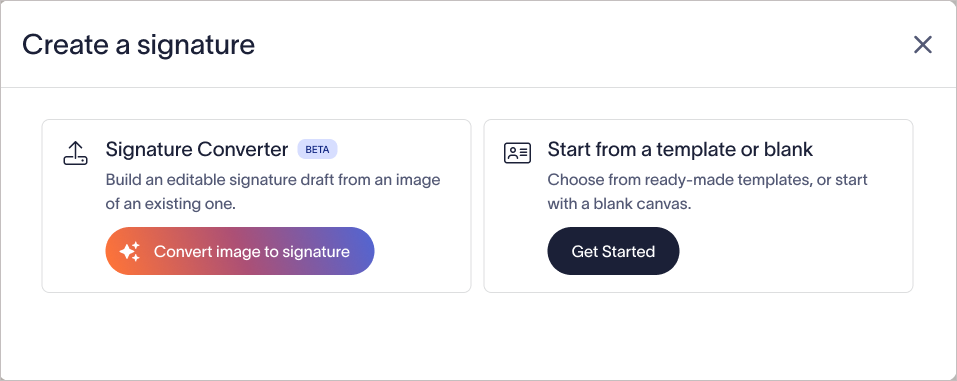
Select Convert image to signature.NOTE: By default, the Signature Converter is disabled.
Admins: Select Enable AI Feature to enable the Signature Converter.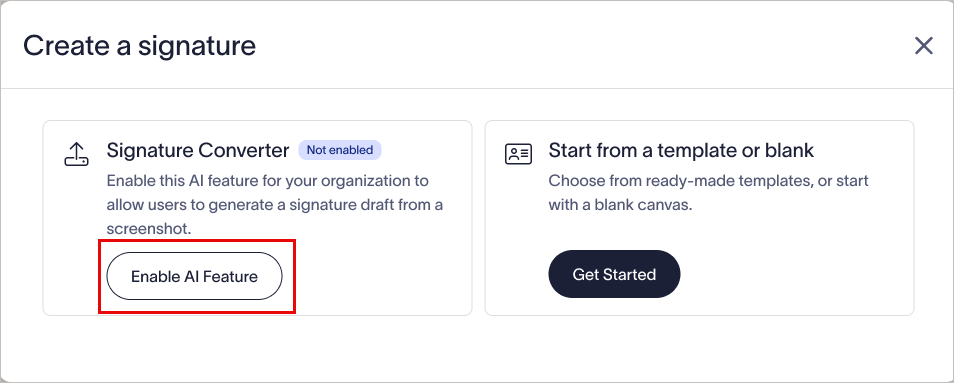
Admin users must select Enable AI Feature to enable the Signature Converter.
Non-admins: Select Request Access to email the Admins your subscription details. A confirmation message will appear to confirm that your request was sent.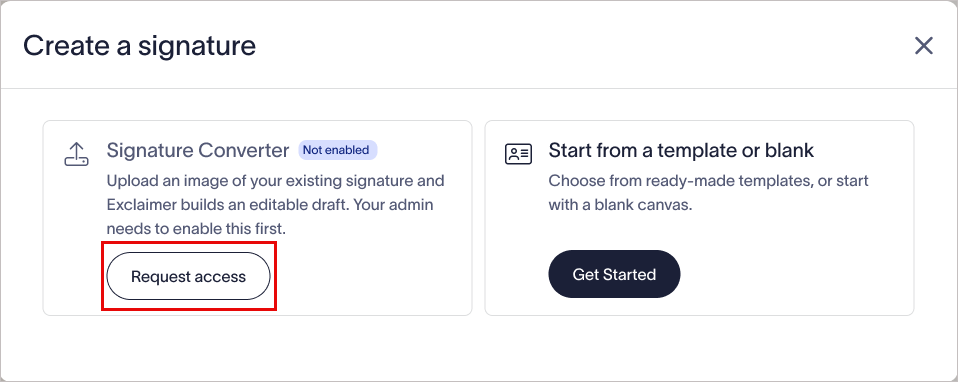
Non-admin users must select Request access to request access to the Signature Converter. -
Upload an image of the existing email signature you want to recreate. You can adjust the crop area to include the entire signature.
NOTES:
• Accepted image files: JPEG and PNG only.
• You can upload files up to 5MB in size.
• Text in the image is mapped to Exclaimer's dynamic fields, for example, "Alex Bennet" is mapped to {FirstName} {LastName}.
• Logo and banner images are auto-populated if the corresponding assets have already been saved to a brand kit.
• The resulting template contains placeholder images, allowing users to upload their own high-fidelity images.
• Background images are not captured.
• Hyperlinks are not captured; users must add these manually.
• Complex layouts or unusual arrangements of multiple images may not recreate exactly.
• If the image cannot be processed because the file is too large, an error message will explain the reason.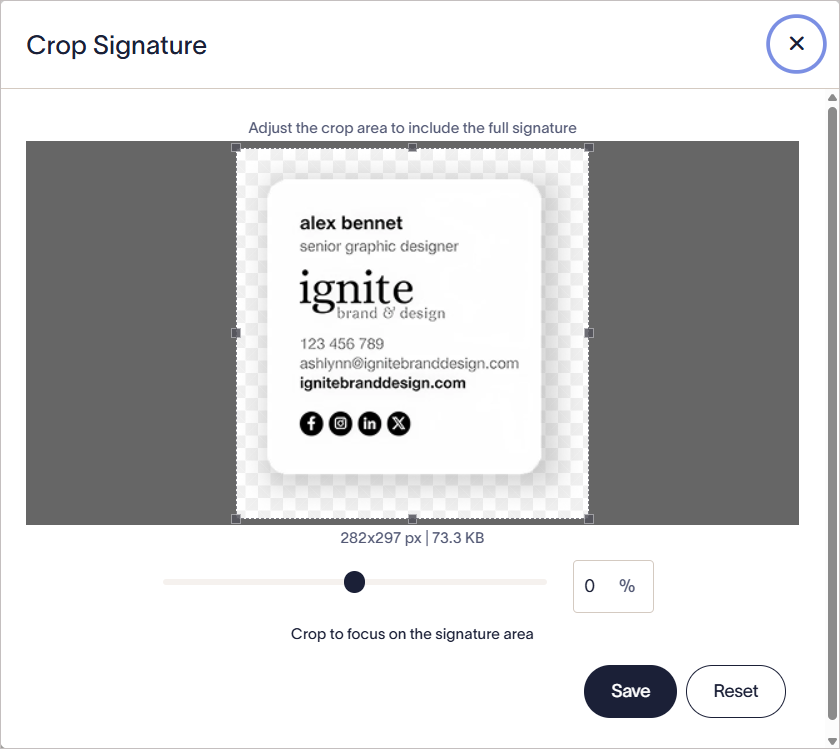
Adjust the crop area to include the entire signature.
- Select Save.
- Select Convert image to signature.
Exclaimer's AI analyzes the image and builds an editable version of the signature.
- Review the generated result on the review screen shown before you continue to the Signature Designer.
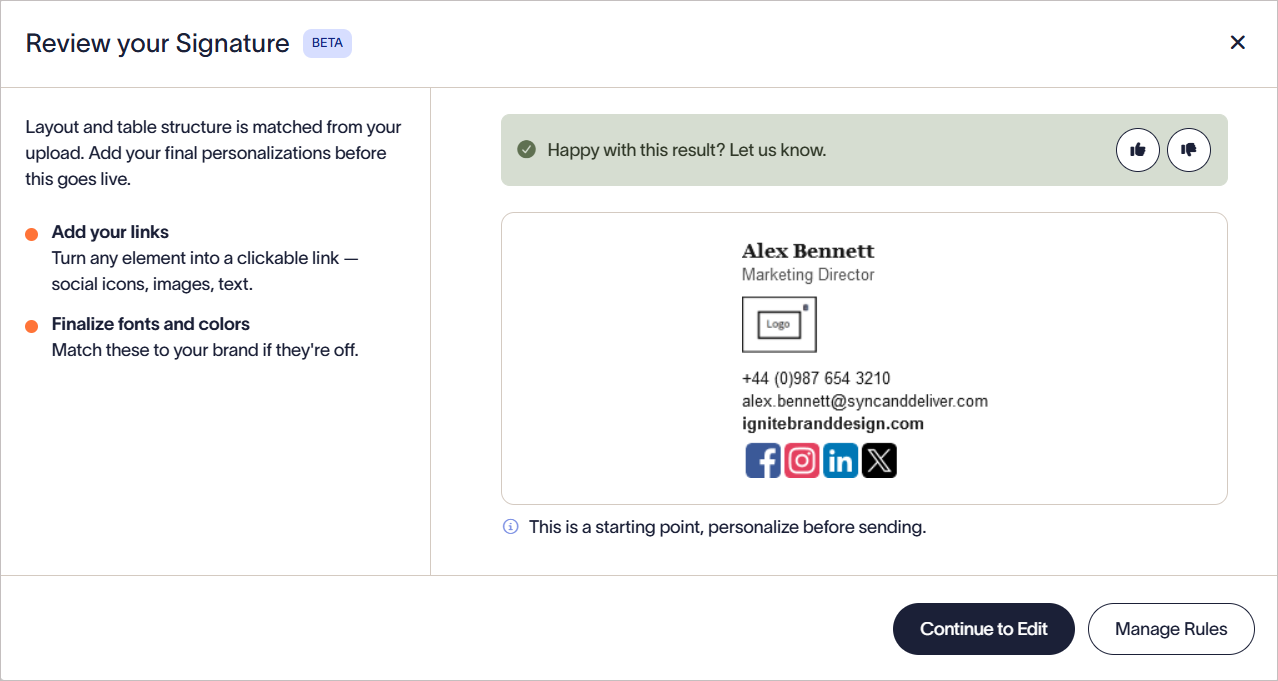
Review the generated result.
- Select Continue to Edit to open the signature in the Signature Designer for further customization, or select Manage Rules to configure signature rules, which allow you to set conditions for applying the selected signature, including rules for specific senders, recipients, and dates.