
Scenario
While managing signature rules, you notice that the groups you know exist in Microsoft 365 do not appear within the search results of the Members of this group option.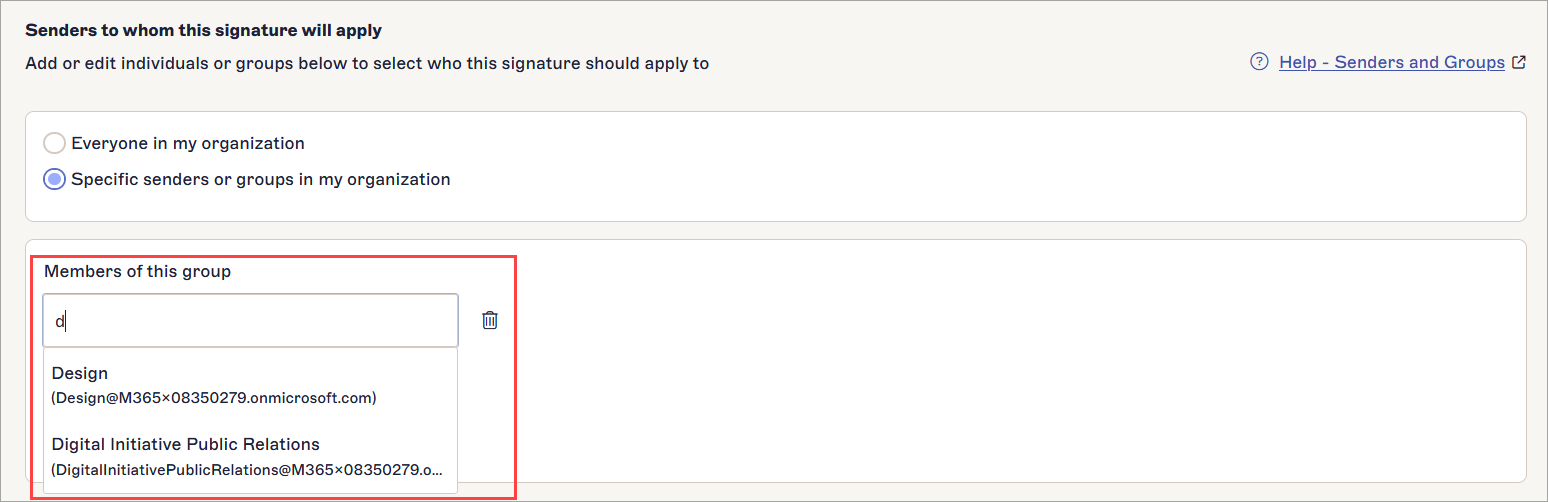
Example of the Members of this group option.
Reason
When managing signature rules, you can only add mail-enabled security and distribution groups to the senders.
NOTE: The group type requirement for signature Senders differs from the group type requirement found in the synchronization options during onboarding and when managing synchronization settings.
Resolution
- Re-create any non mail-enabled groups as distribution or mail-enabled security groups. For more information on creating groups, see How to create a mail-enabled security group.
If the group is mail-enabled but still not visible, perform a manual data synchronization.
If this does not resolve the issue, raise a Support ticket.