
Scenario
You are ready to create a new signature, and you want to use a sample style template to customize instead of creating a new design.
Resolution
Exclaimer offers several pre-designed signature templates to use as a starting point for your signature. All templates are fully customizable.
To start from a blank canvas instead, see how to create a signature without using any pre-defined Exclaimer template. To recreate an existing email signature from an image, see Convert an image to a signature template.
To create a signature from a pre-defined template:
- Log in to Exclaimer and select Signatures from the menu sidebar.
-
Select Create Signature.
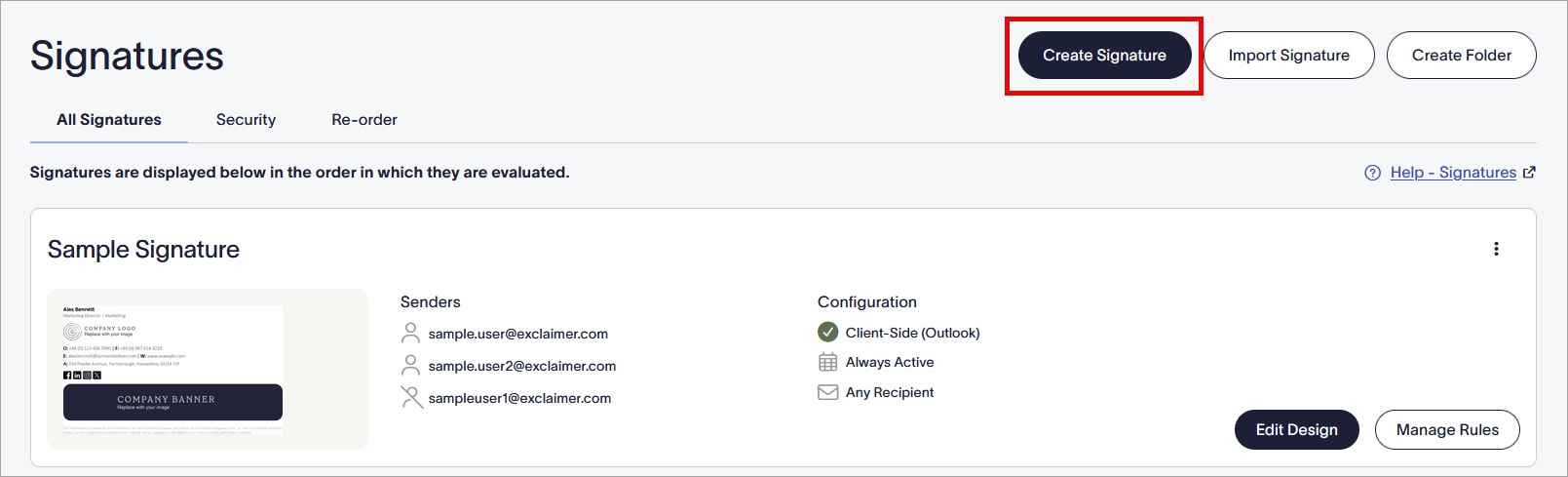
Select Create Signature.
This opens the Create a signature window.
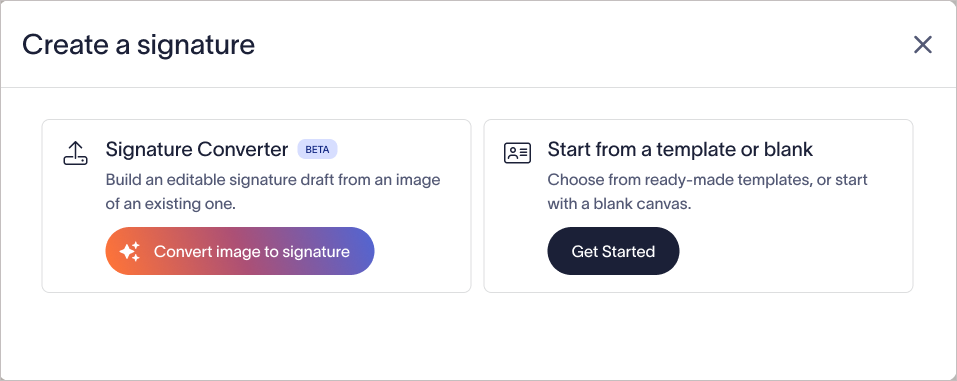
Create a signature window.
- Select Get Started. This opens the Choose a Template window.
-
Hover over a template and select Edit to open the template in the Signature Designer.
Tip! To use a template without modifying it, select Select to add the template to your list of signatures and go straight to the Manage screen to configure the rules for this signature.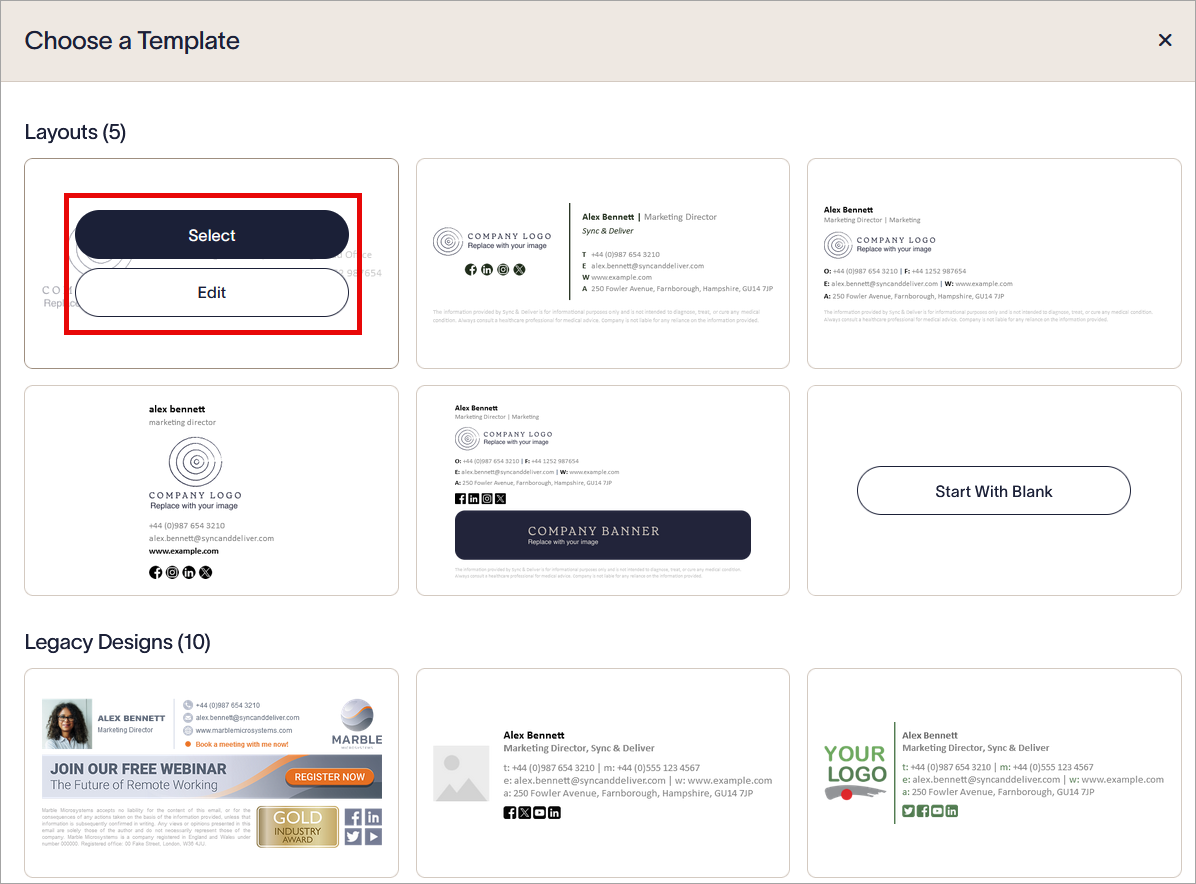
Select Edit to open the template for customization, or Select to save and use.
- [Optional] Set a name for your new signature by selecting the signature name in the header. Edit the text to enter your signature name.
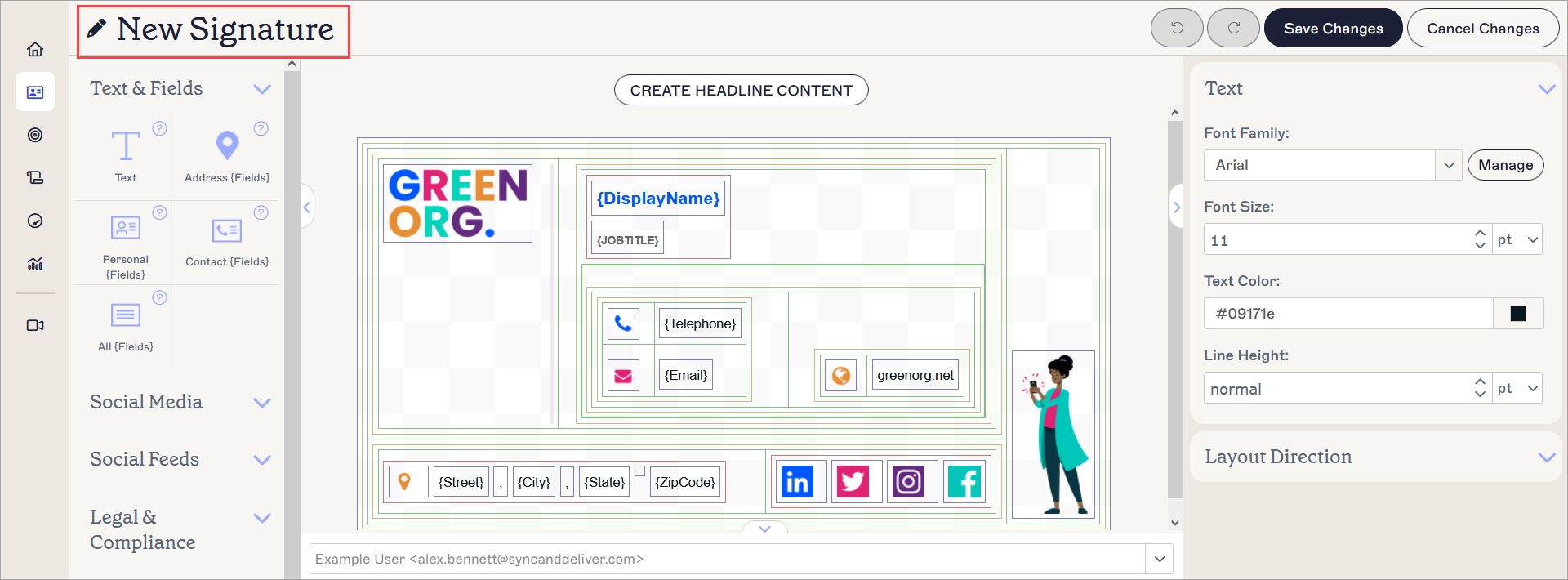
Select to edit your signature name.
- To save your signature, select Save Changes or select Save in the unsaved changes banner.
Have you got a question? Take a look at our Frequently Asked Questions page.