
Scenario
You want screen readers and other assistive technology to read a signature aloud in the correct language, rather than defaulting to no specified language.
Resolution
Use the Signature language property in the Accessibility section of the Properties pane to set the language for the whole signature.
To set the signature language:
- Open your signature in the Signature Designer.
- Select the outermost blue border to select the whole canvas.
- In the Properties pane, expand the Accessibility section.
- From the Signature language drop-down list, select the required language. The default value is None.
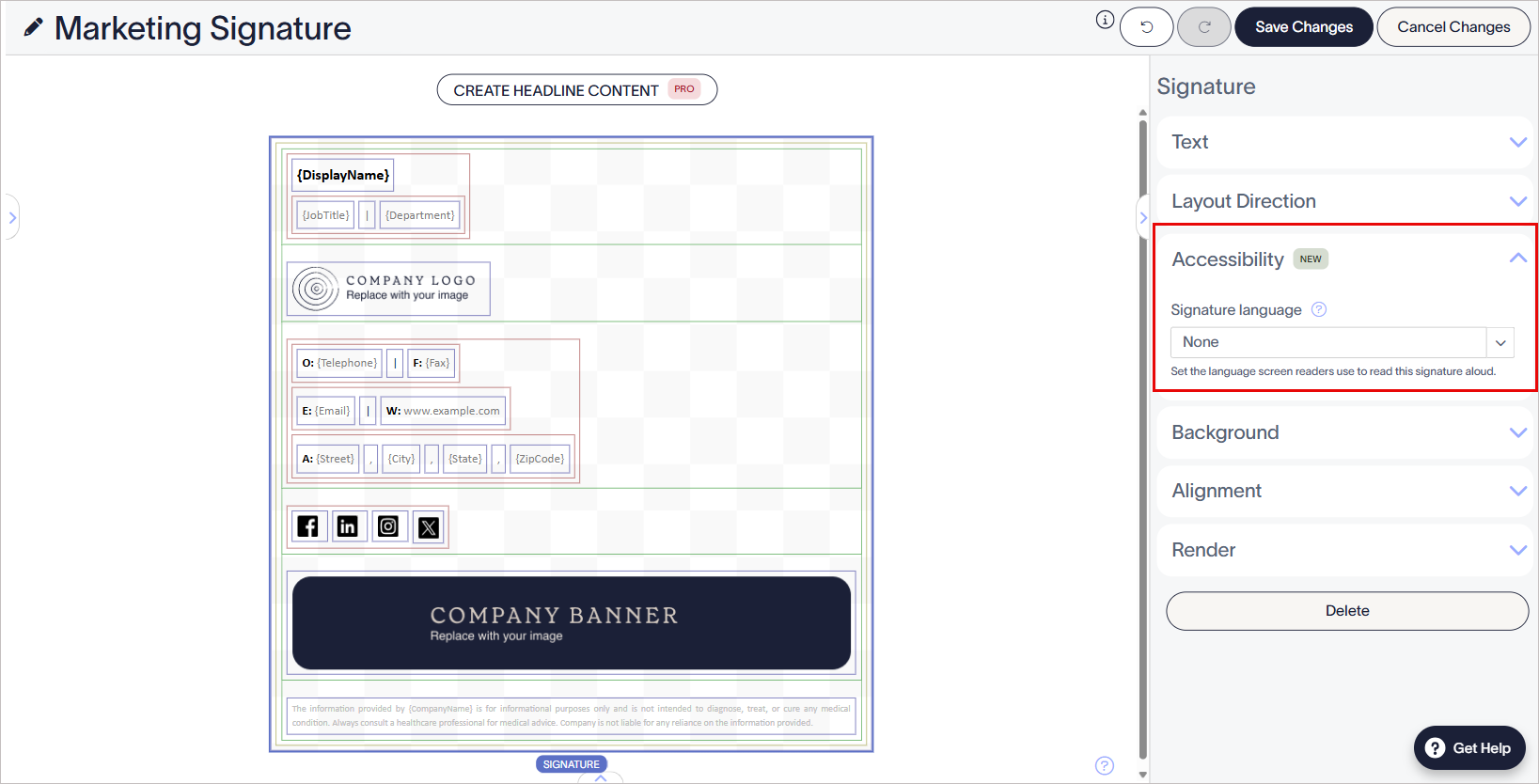
From the Signature language drop-down list, select the required language.
- Select Save Changes to save your template.