
Scenario
You are the subscription Owner and you wish to change the way that you pay for your subscription. Alternatively, you wish to change your payment frequency (monthly or annually).
NOTE: For more information on the Owner user role, including finding the listed subscription Owner, see User Management.
Pre-requisites: To change your payment method to credit card, debit card, or Direct Debit, you must have card or debit details on file in the Billing tab. To add card details, see Cardholder and payment details. To add Direct Debit, see Direct Debit details.
Resolution
As the subscription Owner, you can change your payment method in the Subscription Details section when managing your subscription.
You can change your payment frequency by raising an Account Services ticket.
Select an option below to view the related instructions:
Changing a payment method
To change your payment method:
- Log in to your Exclaimer subscription as the subscription Owner. If you have multiple subscriptions, skip to Step 3. If you have only one subscription, your subscription is automatically launched.
- In the header bar, select the initials icon to open the Account menu and select Change Subscription. This opens the subscription(s) Overview.
- Select Manage next to your subscription.
- In the Subscription Details section, select Change in the Payment Method row.
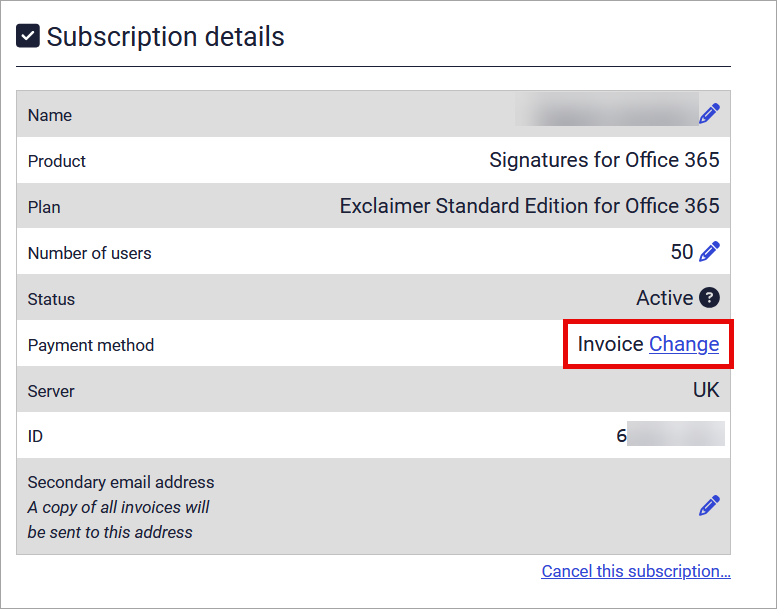
Select Change.
-
Select your payment method from the drop-down menu, then select Save.
NOTE: If you have not added card or Direct Debit details as mentioned in the Pre-requisites for this article, these options will not appear in the drop-down. - Select OK to close the confirmation screen and return to the Manage screen.
Changing payment frequency
To submit a ticket to request a change in payment frequency:
- EITHER:
Select Submit a request from the header section of this article. This opens the Support ticket form.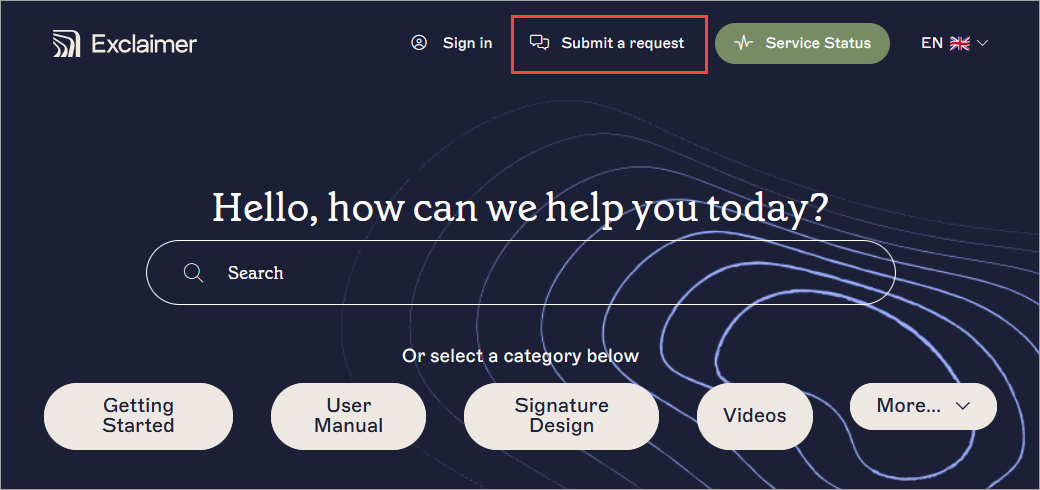
Select Submit a request from the top of any knowledge base page.
OR
Select the Raise Ticket button under Still need help? in the footer section following the article content.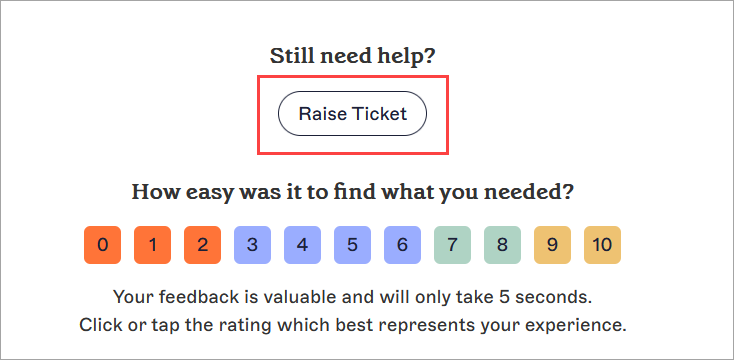
The Raise Ticket button is found after the content of any article.
- Under Raise a ticket, select Account Services. This opens the Account Services ticket form.
- Enter your contact details in the respective entry fields.
- Enter your request for which payment frequency you would like in the Description field.
- From the What can we help with? drop-down, select Billing, then select Payment frequency change.
-
Select Submit.
Once submitted, a member of the Exclaimer Support or Account Services team will contact you as soon as possible.NOTE: Our Support team may ask you for your Subscription ID to locate your subscription. For more information, see how to locate your subscription ID in the Exclaimer Portal.
Next steps: You can view submitted tickets in your Support account. For more information, see How do I login and view my Exclaimer Support tickets?