
Scenario
You are using Exclaimer and designing your email signature template. You would like to add some space above and/or below your signature, for example to create visible space between the email body and signature.
Resolution
NOTE: The steps described here assume that you are already familiar with creating an email signature. For more information, see how you can create a signature.
To add space above and below your signature, use padding in the signature designer Properties pane.
To add padding above or below a signature:
- Select the golden yellow line of the table or the top-most green table cell or red group or the blue element.
NOTE: See what the colored borders within Exclaimer Signature Designer mean?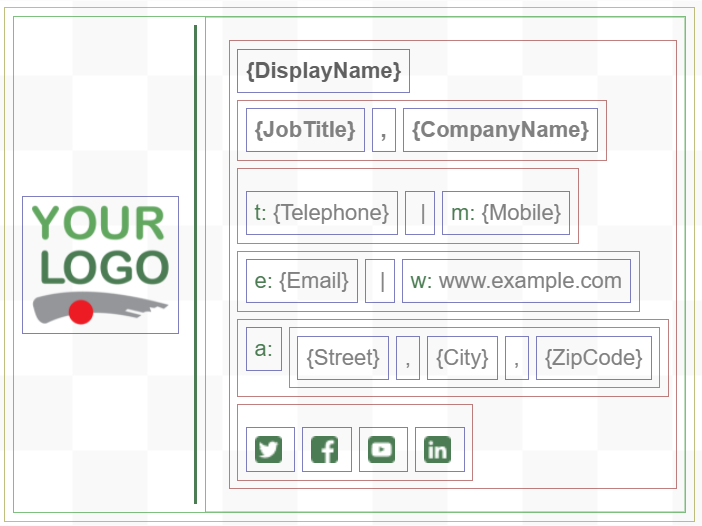
Example of a signature template in the Signature Designer
- From the Properties pane, expand the Padding section and unselect All the same option.
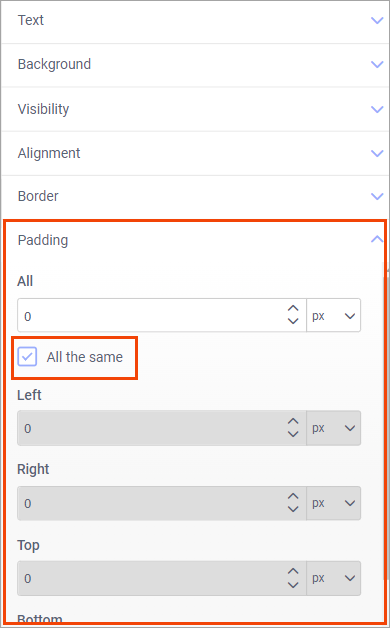
Expand the Padding section and unselect All the same option.
- Enter the padding values in Top.
- If required, add the padding values in Bottom as well.
For more information, see How you can add space between elements in your signature.
- Select Save Changes to save the changes made to the template.