IMPORTANT! Exclaimer Signature Update Agent – Deprecated
Exclaimer has deprecated the Signature Update Agent desktop application and no longer provides updates or support.
Existing users: If you experience issues with the application, visit the Knowledge Base for troubleshooting guidance. If you need further assistance, raise a support ticket.
New users: Install and use the Exclaimer Outlook Add-in instead of the deprecated desktop application.
Exclaimer has deprecated the Signature Update Agent desktop application and no longer provides updates or support.
Existing users: If you experience issues with the application, visit the Knowledge Base for troubleshooting guidance. If you need further assistance, raise a support ticket.
New users: Install and use the Exclaimer Outlook Add-in instead of the deprecated desktop application.
NOTE: Uninstalling Exclaimer Signature Update Agent on a user's computer will:
- Remove the program.
- Stop deploying signatures from Exclaimer to Microsoft Outlook (instead, the user will have their signature applied by Exclaimer Server-Side service, if applicable).
- Remove any Exclaimer signatures from Microsoft Outlook.
- Reinstate any original signatures that were archived for the user when the agent was installed.
- Reinstate signature options in Microsoft Outlook (local signature options are read-only when the agent is running)
Uninstalling Exclaimer Signature Update Agent
To uninstall Exclaimer Signature Update Signature Agent for Windows:
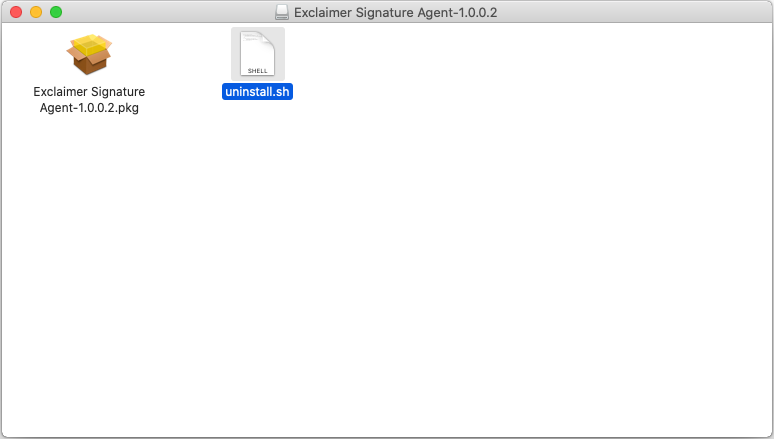
- From the .dmg file that you downloaded (at the time of installation), you now need the 'uninstall.sh' file.
- From the Launchpad open the Terminal.
NOTE: The Terminal needs to be run as Admin.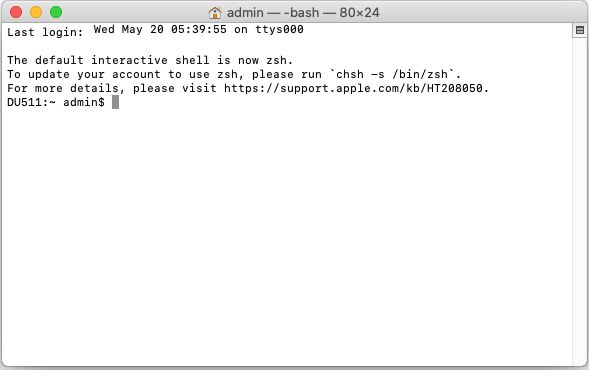
- Drag the uninstall.sh into the Terminal window and press [Enter] to run the script.
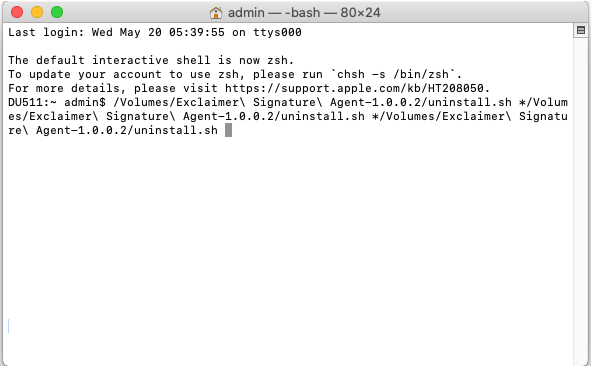
- Once the uninstall script has run successfully:
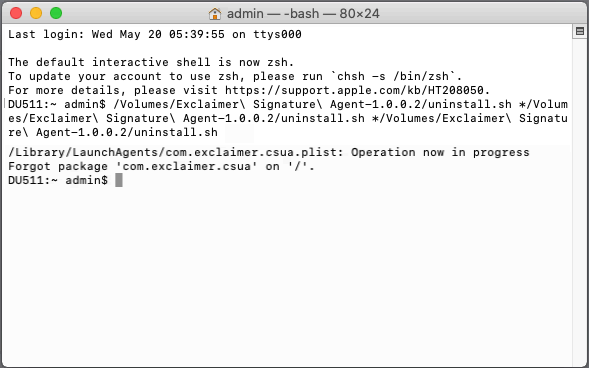
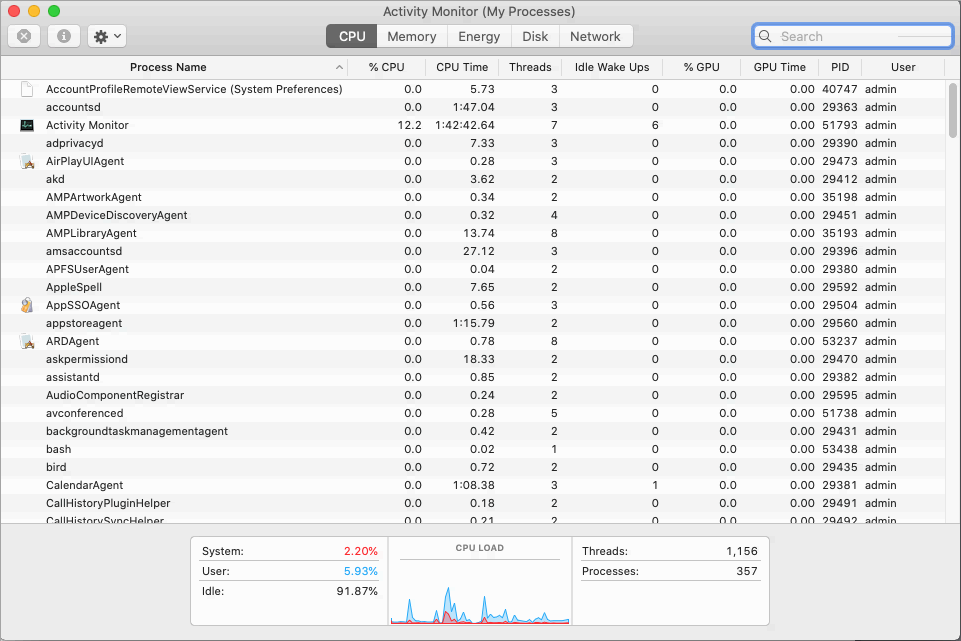
- Double-check the Activity Monitor to ensure there is no reference to the Exclaimer Signature Agent.