
Scenario
You want to review which mailboxes within your organization are sending emails that include signatures.
Resolution
To view your organization's signature activity:
- Submit a Support ticket to request a usage report.
- From the How can we help? drop-down list, select Billing, then select Request usage report.
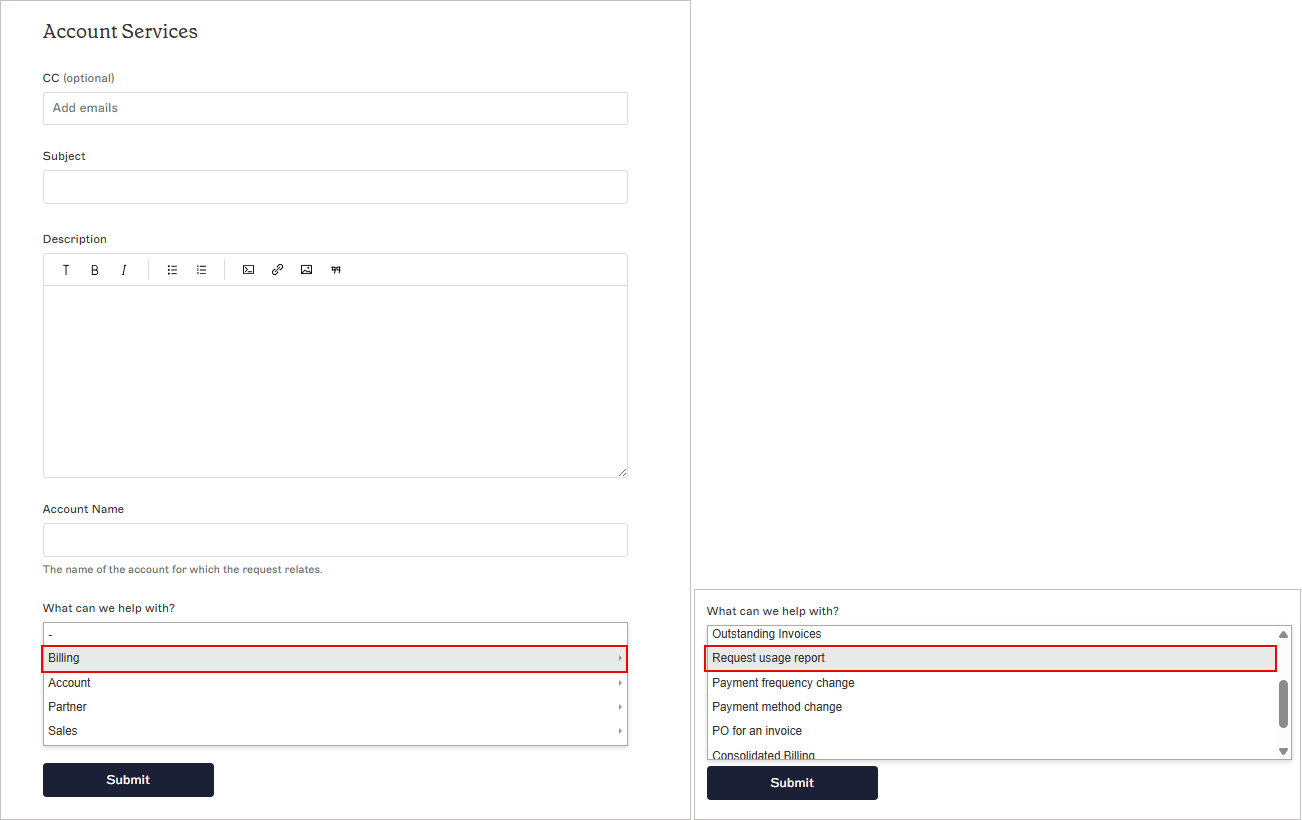
Select Billing, then select Request usage report.
OR
- From the How can we help? drop-down list, select Billing, then select Request usage report.
-
If you are on the Pro Plan, you can use the Signature Usage Analytics page to view how many mailboxes did not have a signature applied.
NOTE: For more information on pricing plans, see Exclaimer Pricing Plans.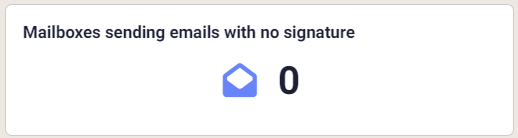
Section of the Signature Usage Analytics page showing Mailboxes sending emails with no signature.
Mailboxes sending emails with no Signatures
The calculation for this is: Emails - Imprints = Unsigned
Where,
E= Total unique email addresses in any event within the filter
I = Total unique email addresses in any imprint event within the filter
U = Total email addresses that were processed but not imprinted