
Scenario
You have added the Exclaimer app from the Zoom marketplace and you now want to remove it.
Resolution
To remove the Exclaimer app from the Zoom Marketplace
- Launch the Zoom App Marketplace.
- Select Manage.
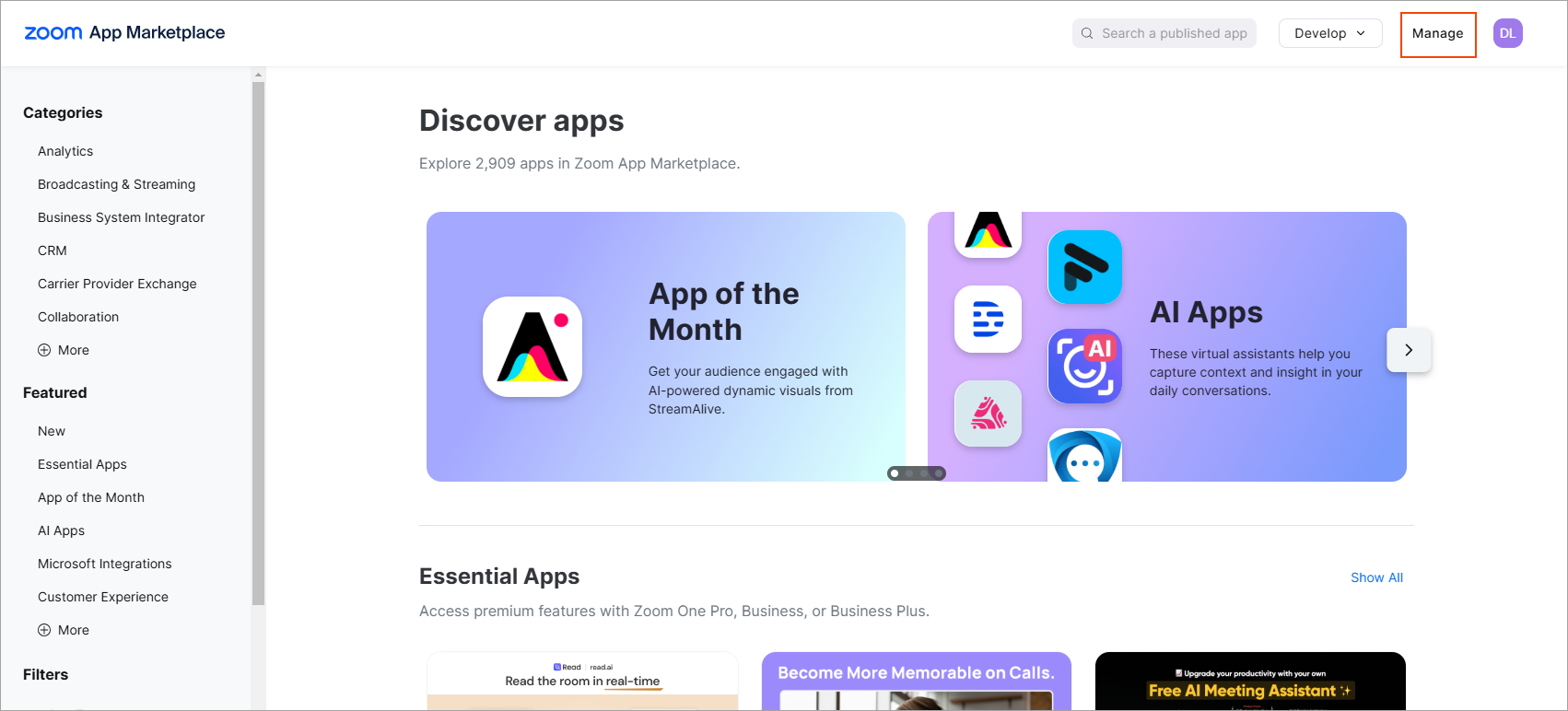
Select Manage at the top-right of the screen.
- Within Added Apps, locate the app you want to remove. Select Remove.
Select Remove to remove the app.
The Remove app window is displayed.
The Remove app window.
- (Optional) From the drop-down list, select the reason to remove the app.
- Select Remove to remove the app.