
Description
A Welcome to Exclaimer window is displayed when you create a new subscription and launch it.
When you are onboarding a new subscription, you need Global Admin or Super Admin credentials to configure a connection between Exclaimer and your email system (Microsoft 365 or Google Workspace). If you do not have Global/Super Admin permissions, you can send an email invite from within Exclaimer to a user who has the appropriate admin rights, inviting them to complete this part of the onboarding user their credentials.
How to access it
To access the Invite my IT Admin option:
- From the menu sidebar, select Connect.
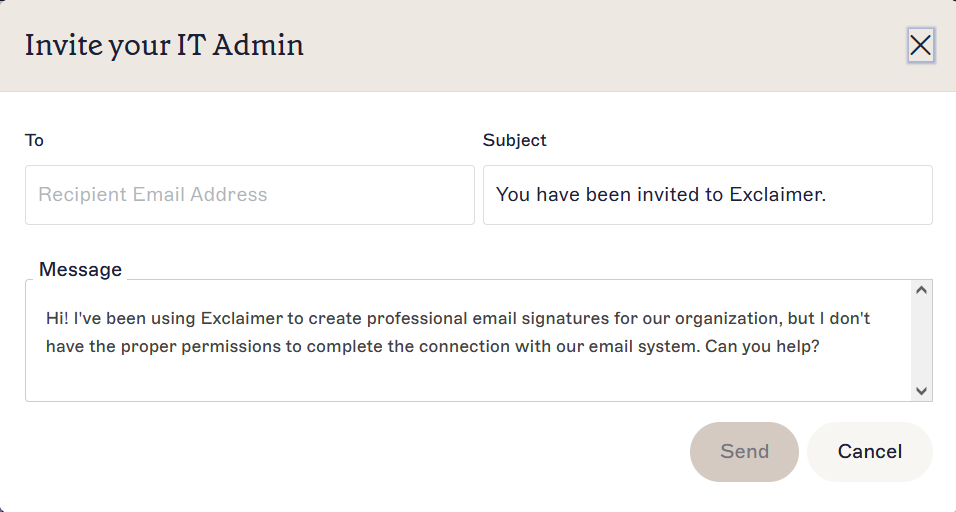
Select Connect to open the Connect page and access the banner.
Inviting an Admin
To invite an IT Admin:
- Select Invite my IT Admin.
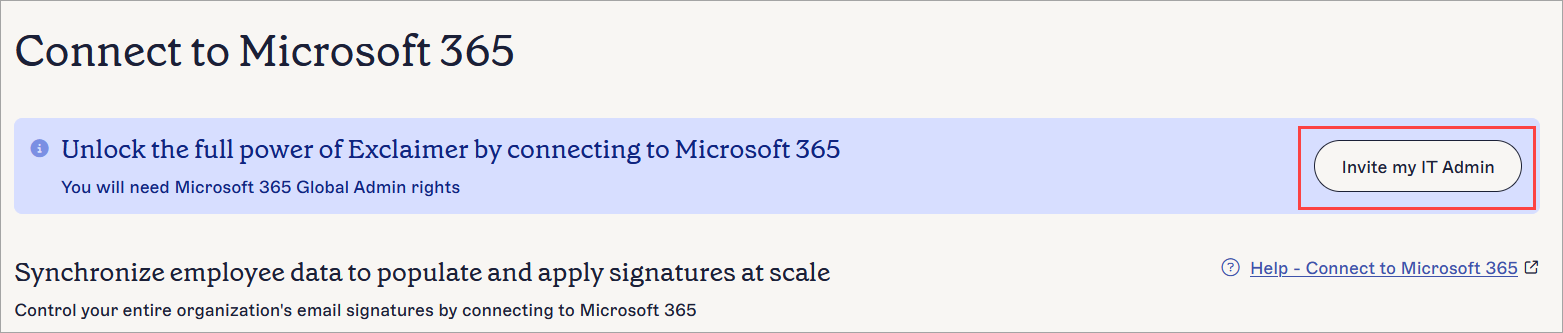
Select the Invite my IT Admin button.
This opens the Invite your IT Admin window.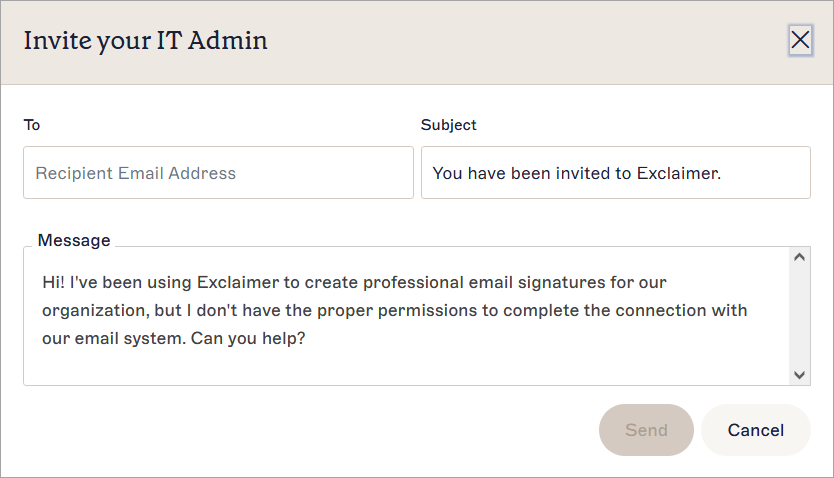
The Invite your IT Admin window.
- In the To field, enter the email address of the user with the appropriate Admin permissions, usually your company IT Admin.
- [Optional] In the Subject field, you can edit the default subject text as required.
- [Optional] In the Message field, you can edit the default message text as required.
- Select Send to send the email to the recipient.
- Select Done to close the confirmation window.
The recipient receives an email with a video explaining how to onboard your subscription.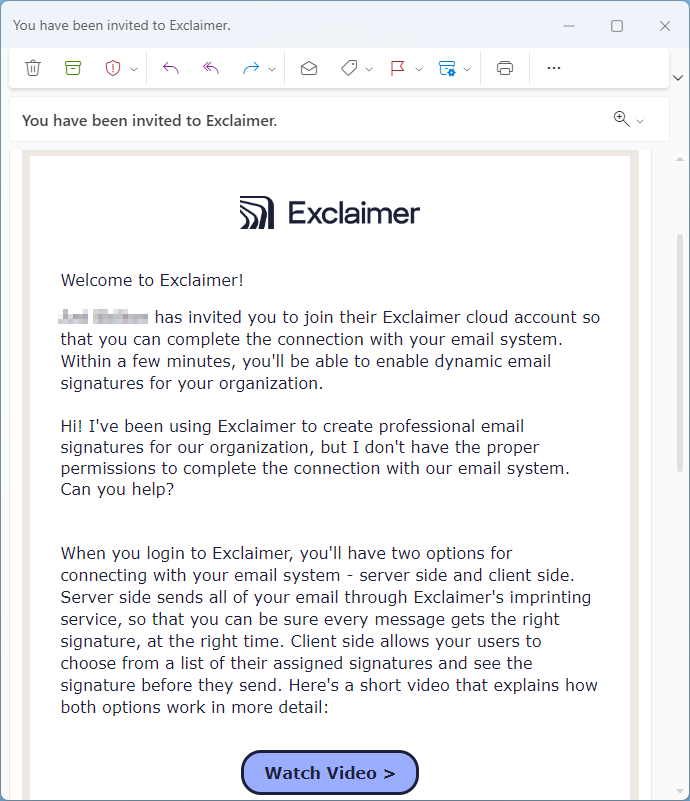
An example of the email sent to the IT Admin.