
Scenario
You are using Exclaimer and want to check if a user account is disabled in Entra ID (formerly Azure AD).
Resolution
Follow the steps below to use the Graph Explorer tool to verify if an account is disabled in Entra ID:
CAUTION! To complete the steps described below, you will need:
Office 365 Global Administrator credentials
- Browse to the Microsoft Graph Explorer (https://developer.microsoft.com/en-us/graph/graph-explorer)
- Click Login and sign in with your Office 365 Global Administrator account.
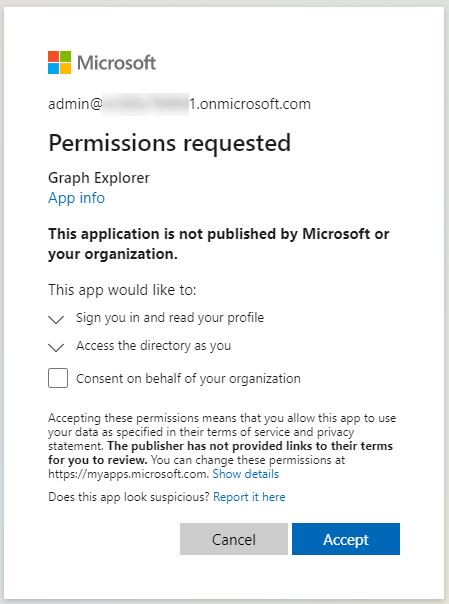
- If prompted, accept the permissions request:
-
In the query box, enter the following:
https://graph.microsoft.com/beta/users/<UPN of user required>?$select=displayname,accountenabled -
Click Run Query.
The results page displays an output similar to this:
{
"@odata.context": "https://graph.microsoft.com/beta/$metadata#users(displayName,accountEnabled)/$entity",
"displayName": "David Milward",
"accountEnabled": true
}
If the accountEnabled value is returned as false, then the Exclaimer service will not aggregate the user to the database.