
NOTE: Only users with the Owner or Admin role can see and change feature settings. The Signature Converter setting is switched off by default, so no user can use it until an Admin explicitly turns it on.
This section covers the options to help you manage feature settings. These can be used to control which AI-powered capabilities are available to users in your account.
To Access the Feature Settings section:
From the header bar, select the cogwheel icon to open the Settings menu, then select Feature Settings.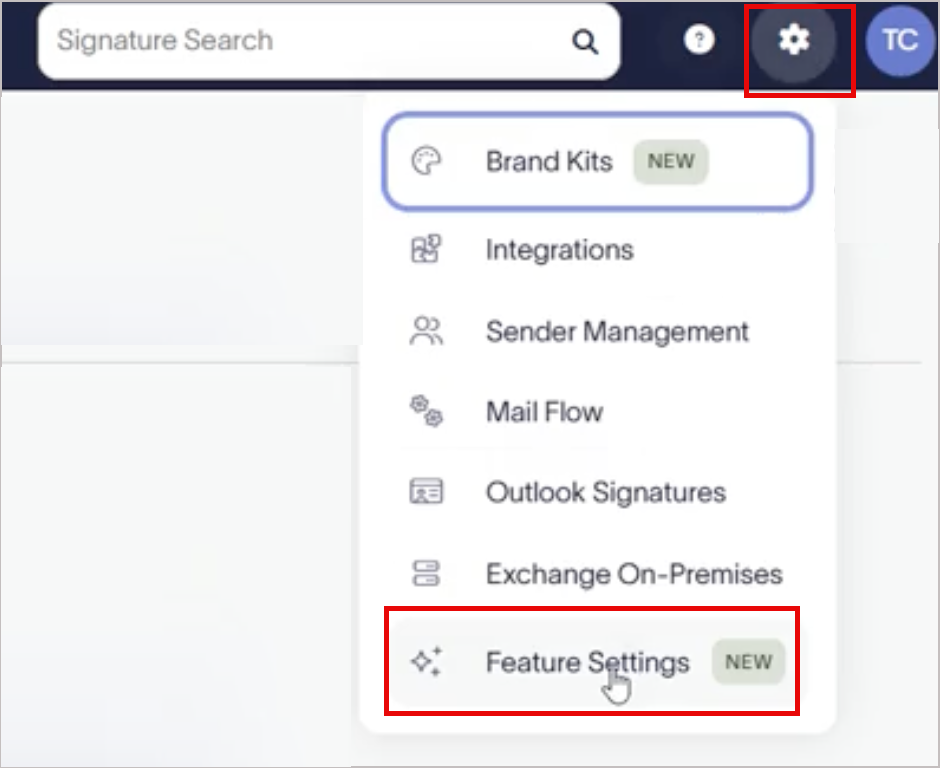
In this section, you can do the following:
- Signature Converter allows you to enable or disable the AI signature converter for users in your organization.