
Scenario
You have received an invoice and would like to pay online.
Reason
In case of any overdue balance on your Exclaimer account, you may receive a message advising you to pay the outstanding balance to avoid any signatures and mail flow interruption. Invoices are sent from the email address accounts@invoices.exclaimer.com.
Resolution
To pay your invoice online:
- Click the link: https://secure.exclaimer.com/pay-invoice/.
The Exclaimer invoice page is displayed.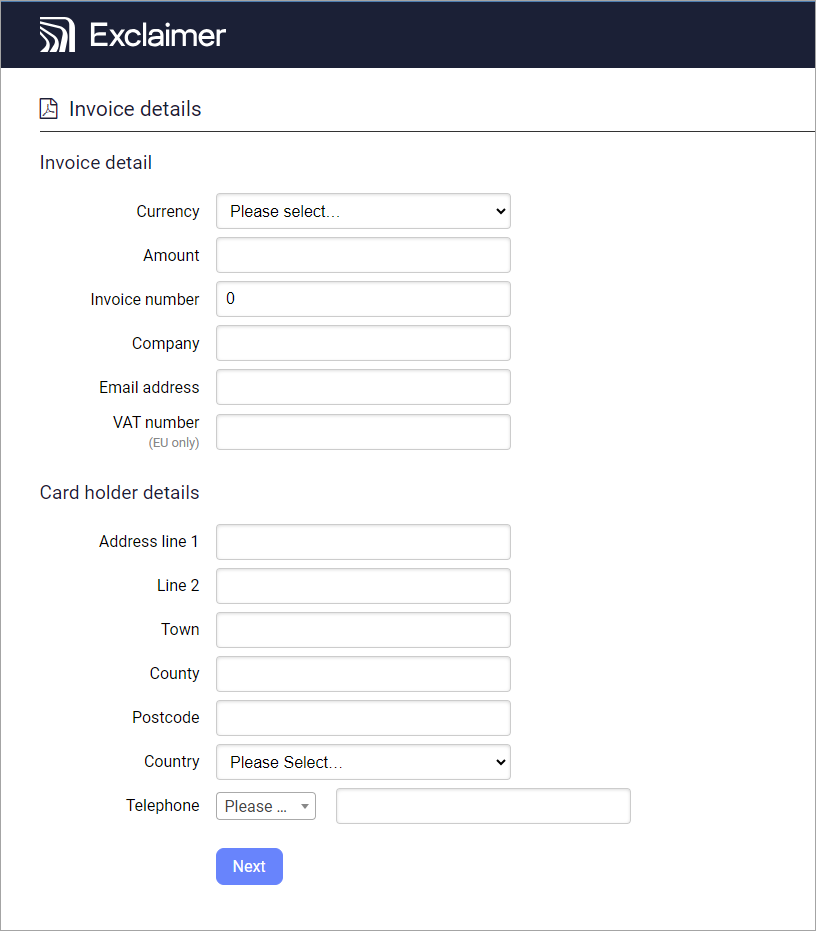
Exclaimer invoice page.
- Enter the invoice and card holder details.
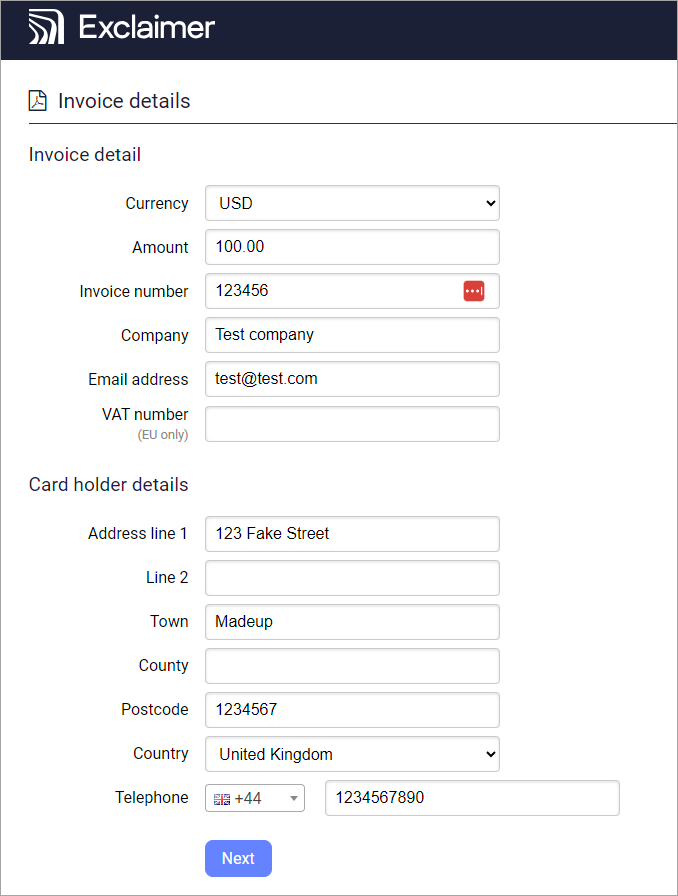
Example of the completed Exclaimer invoice page.
-
Select Next to review the details entered.
NOTE: Please double-check the currency and amount entered before you pay the invoice.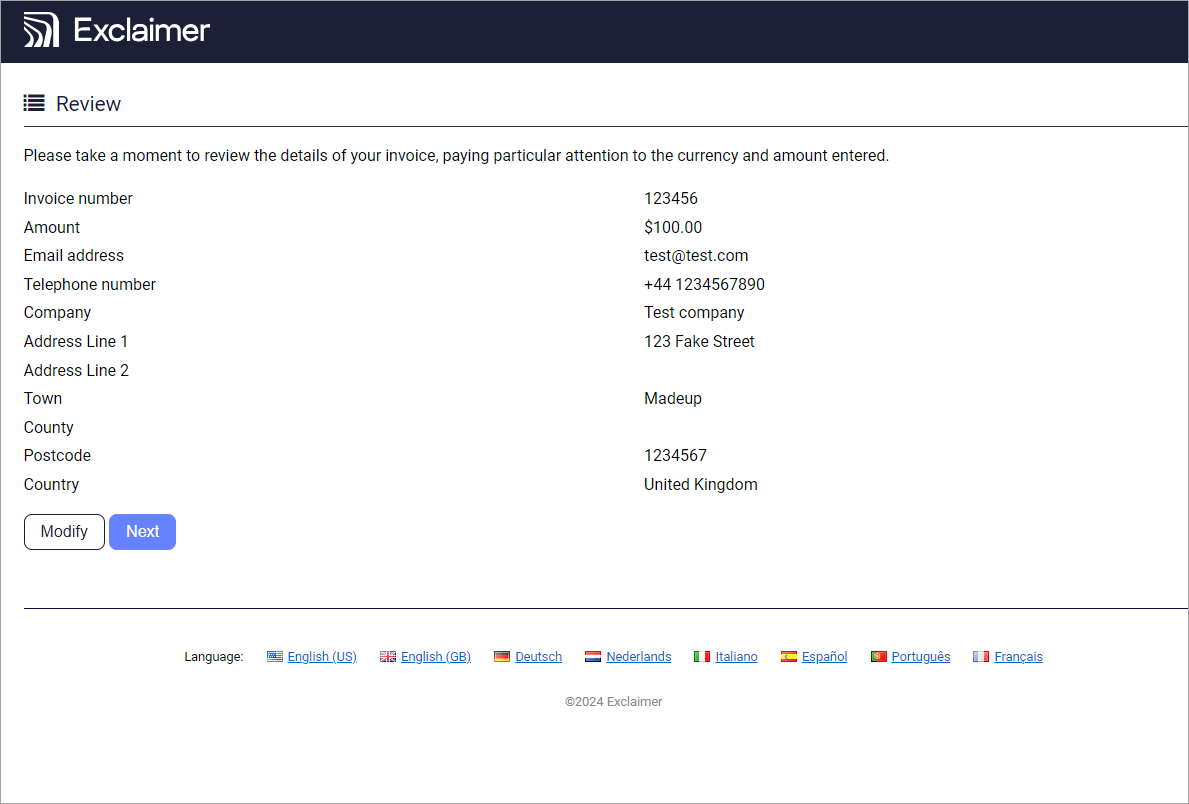
Example of the Exclaimer invoice page for review.
- Select Next to choose the card by which you will do the payment.
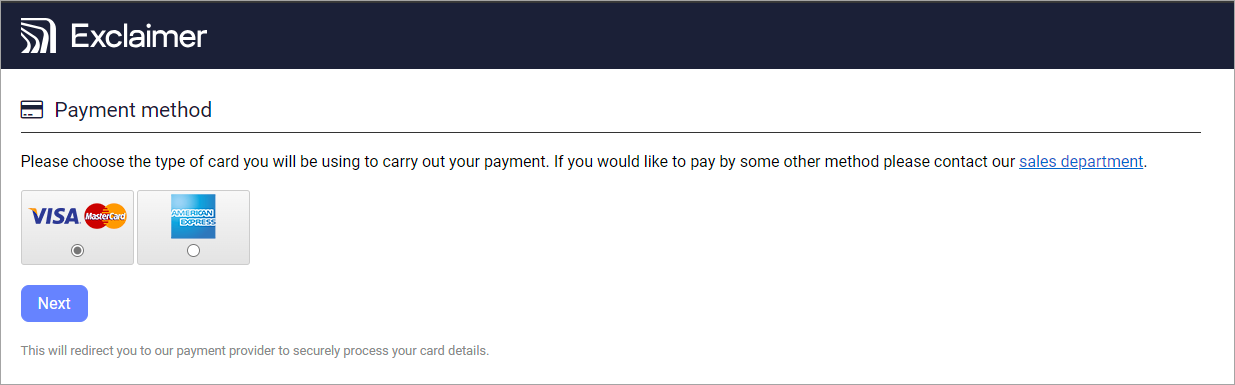
Select the Payment method.
- Select Next to fill in the card details.
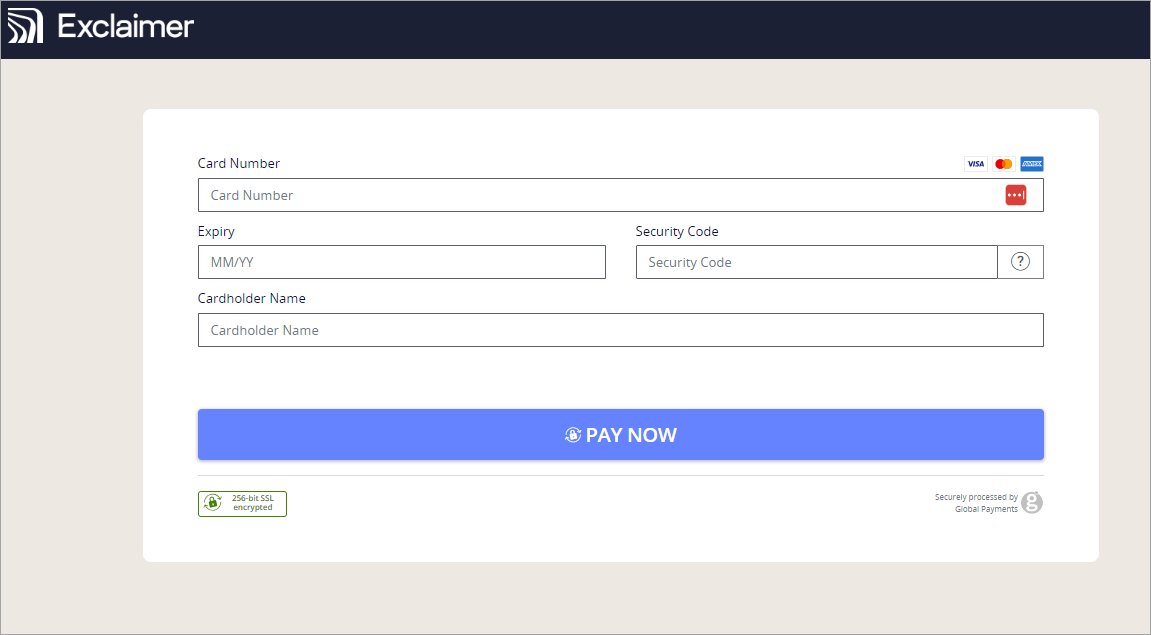
Enter the payment card details, then select PAY NOW.
- Select PAY NOW to pay the outstanding balance.