
Scenario
You have Exclaimer for Google Workspace and are using both Client-Side and Server-Side configurations to send emails in Gmail. You notice that in replies or forwarded emails, there are duplicate signatures.
Reason
This occurs due to the Gmail setting Insert signature before quoted text in replies, and remove the ‘--’ line that precedes it. When this setting is enabled, Gmail places the signature below the quoted content and the '--' delimiter.
Server-side processing evaluates the email and applies a signature above the quoted content if it does not detect an existing signature in the expected position. The Client-Side signature is placed below the reply separator, so Exclaimer's Server-Side processing does not recognize it and applies an additional signature.
Resolution
To prevent duplicate signatures, disable the Gmail setting so that Server-Side correctly detects the existing Client-Side signature in the expected place.
To disable the setting:
Open Gmail and select the cogwheel icon to open the Settings pane.
Select See all settings.
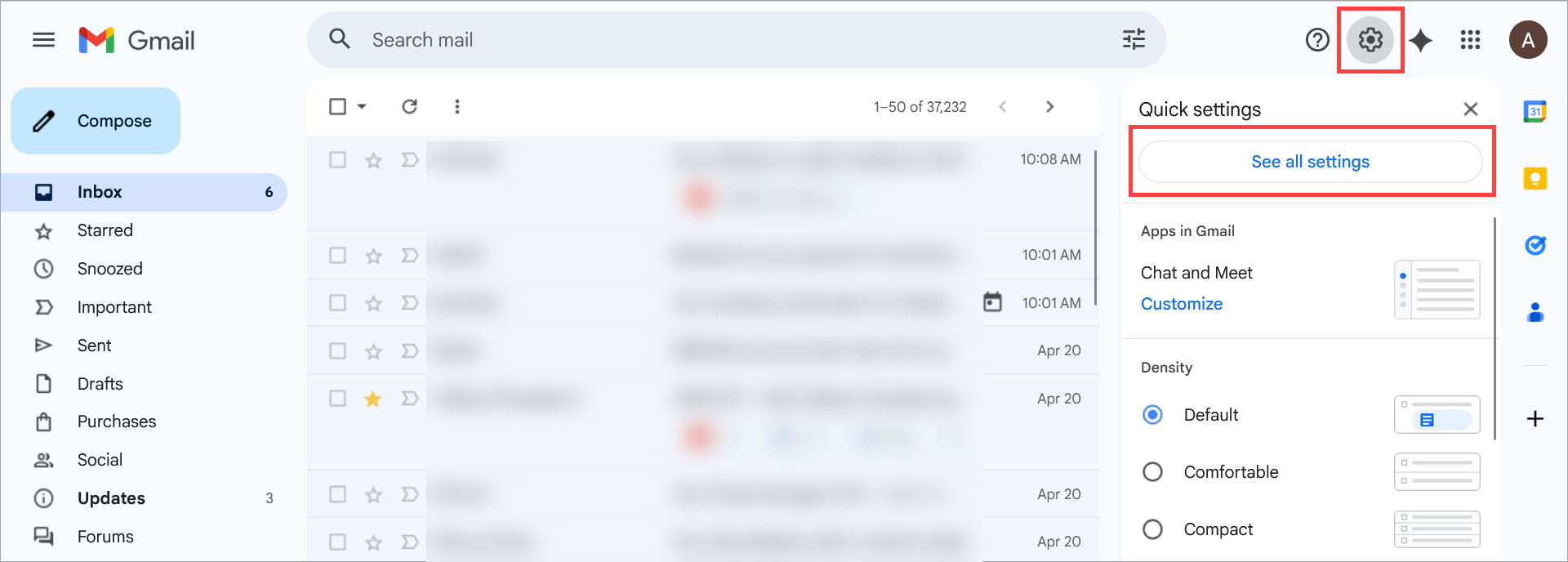
Select See all settings.
Navigate to the Signature section in the General tab.
Deselect the Insert signature before quoted text in replies, and remove the ‘--’ line that precedes it checkbox.
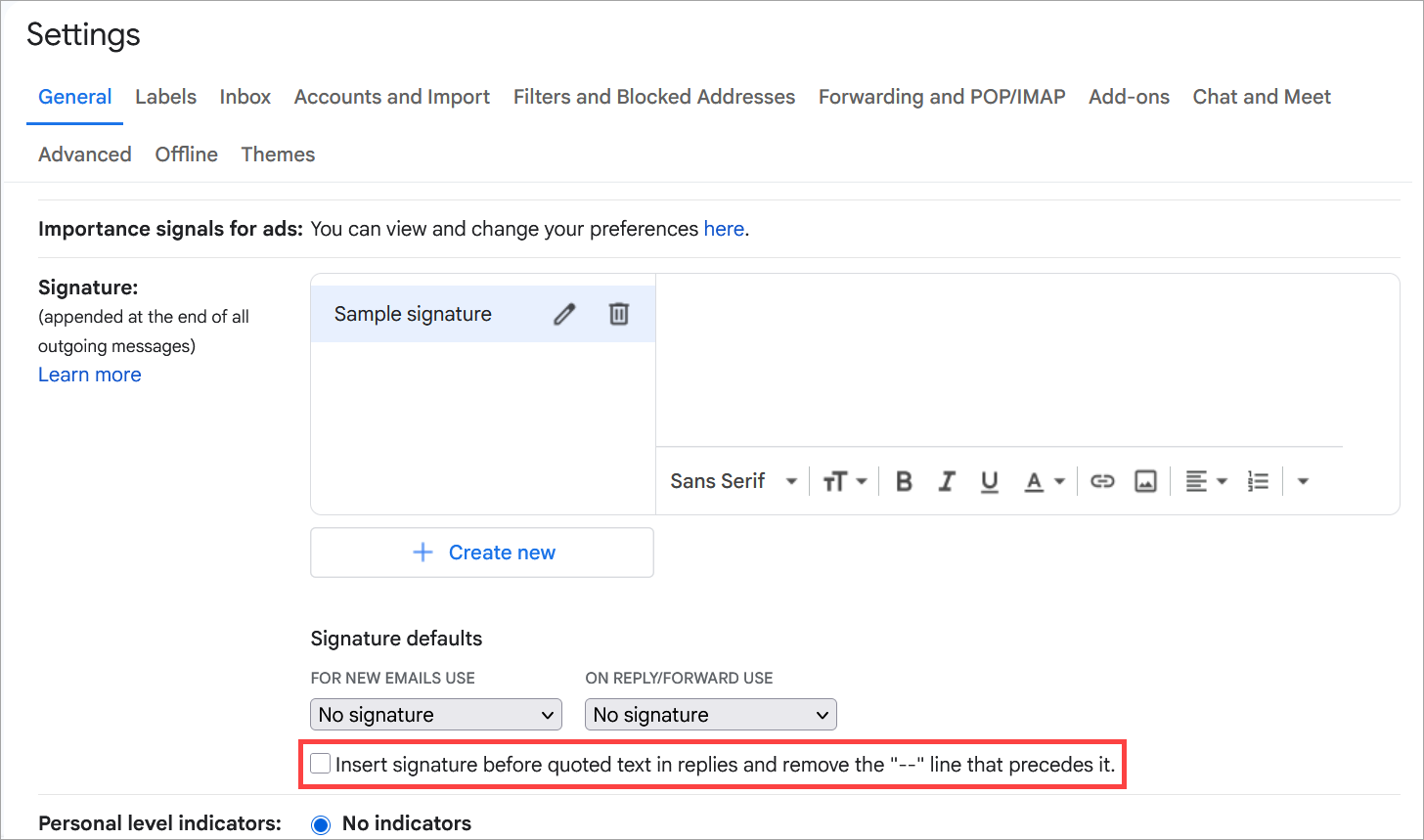
Deselect the checkbox to disable the setting.
Navigate to the end of the settings list and select Save Changes.
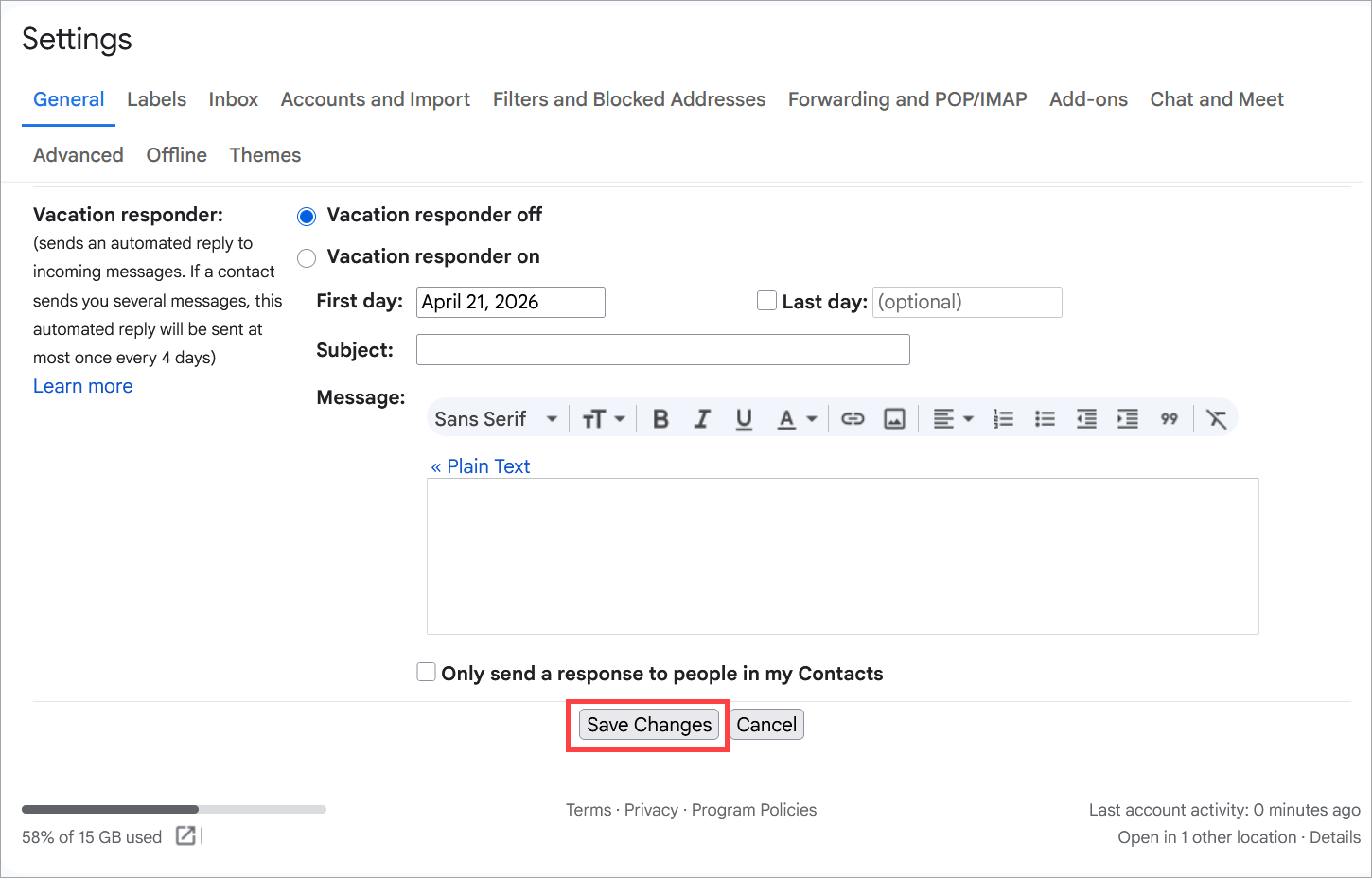
The Save Changes button is found after the tab content.