
Scenario
You are using an iOS device to view your emails, and you notice that your signatures are appearing in incorrect locations in the Apple mail client. However, when viewed in other mail clients, the signatures appear correctly.
Resolution
This issue can be solved by enabling the Organise by Thread mode in your device's Mail settings.
To enable Organise by Thread mode:
- Open the Settings app on your iOS device, then select Mail.
In the Threading section, set the Organise by Thread toggle to the On position.
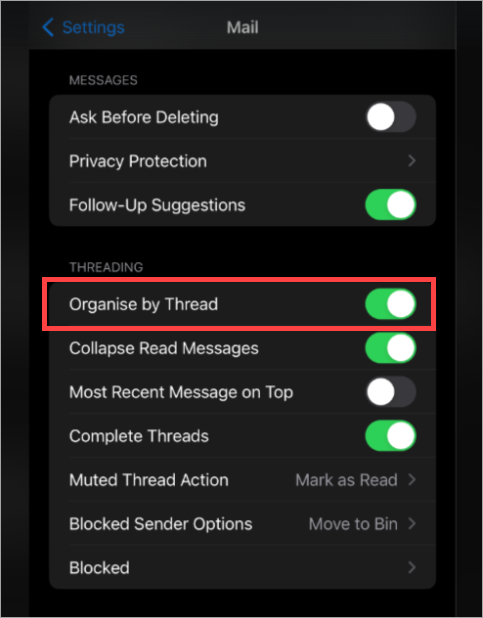
Toggle the Organise by Thread setting on.